Video walls New
Put two or three screens side by side, or stack two, and they play as one, in step: wide pictures and videos across all of them, and your messages travelling from screen to screen.
Twenty examples, from orthodontic waiting rooms to a luxury car showroom. The screens play real MyProViewer designs: layouts with the weather and news, magazine-look full screens, memorials, a services board, and video walls that play one picture across two or three screens. Tap any picture to see it larger.
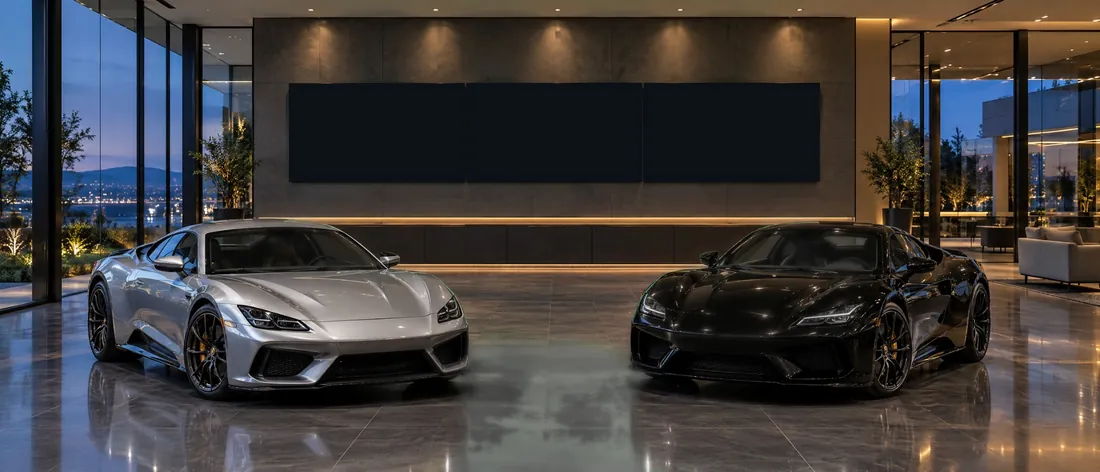
Three screens, one picture: the road pans across them, then the offer travels screen to screen
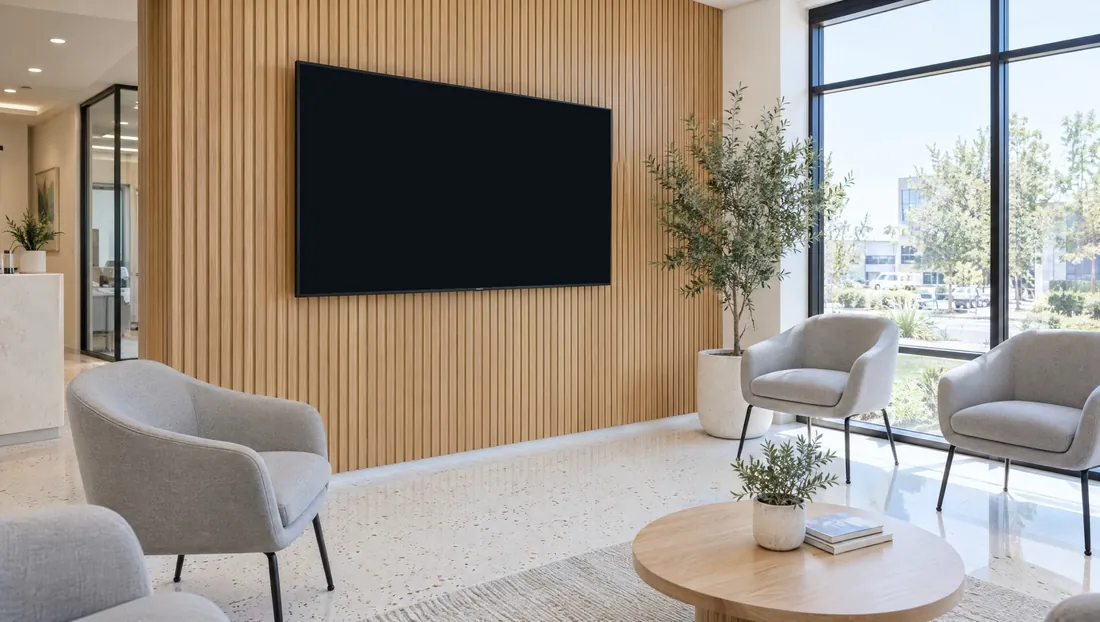
One 65-inch screen: the layout with the weather and news, between full screens
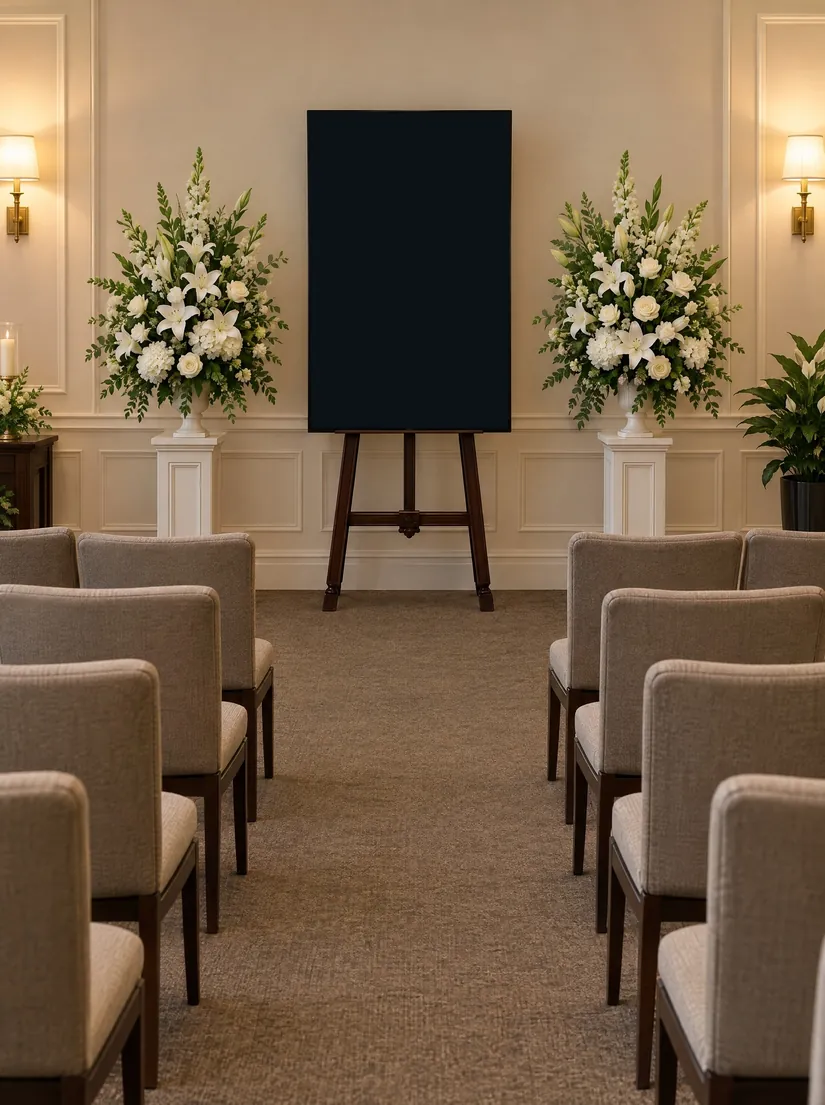
The family’s photos and words on a portrait screen at the front of the room
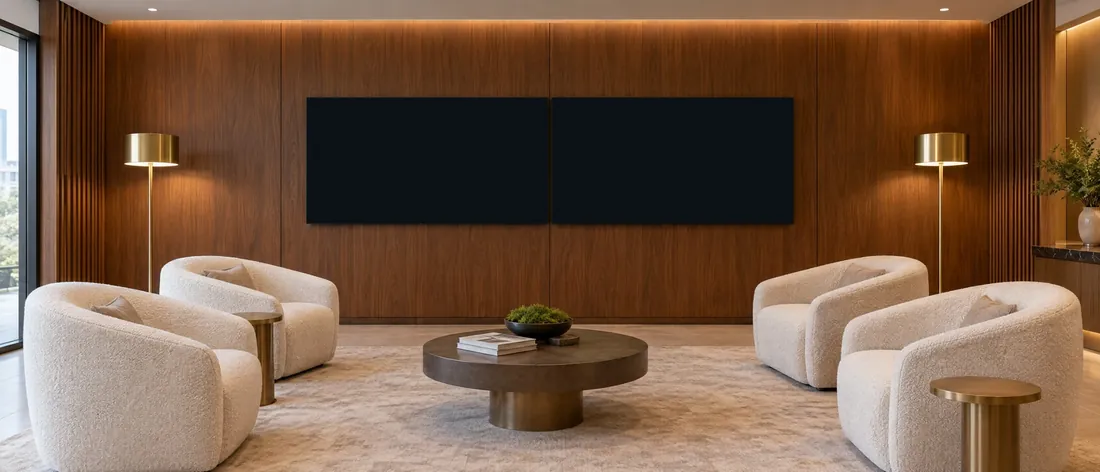
Two screens play as one, in step: one wide picture, then the message travels across both
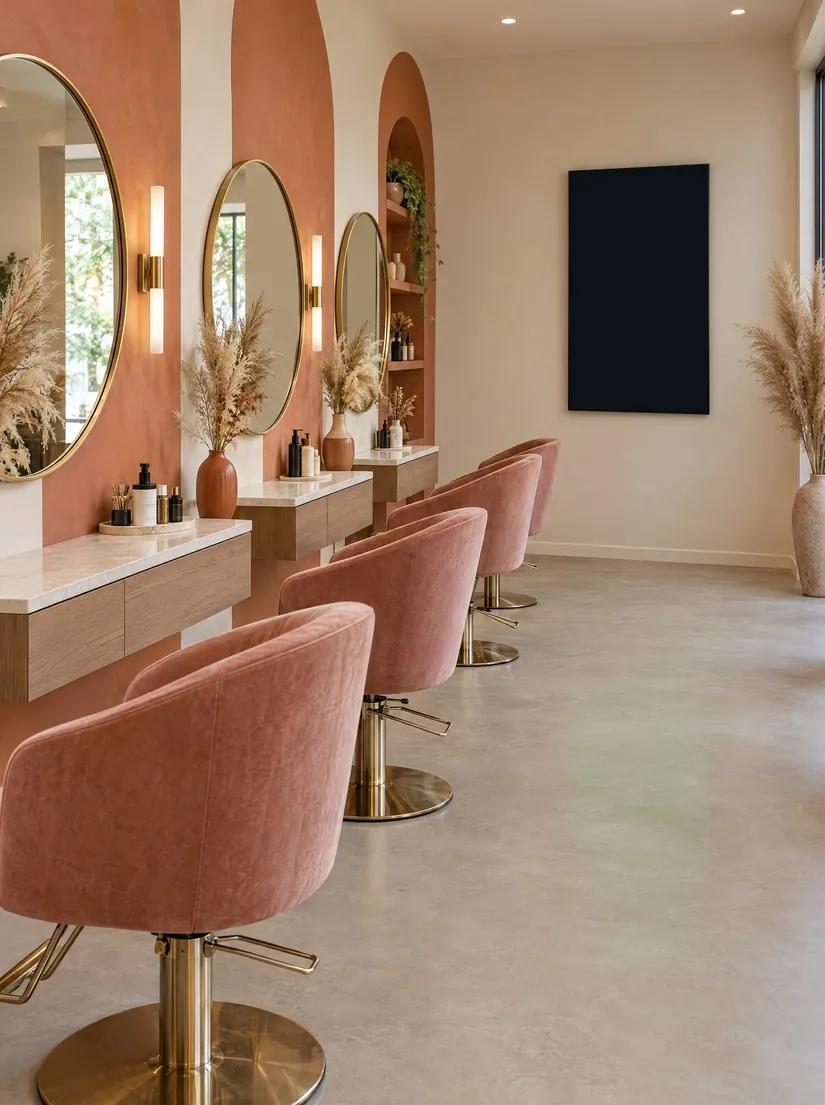
Services and specials at the end of the styling stations
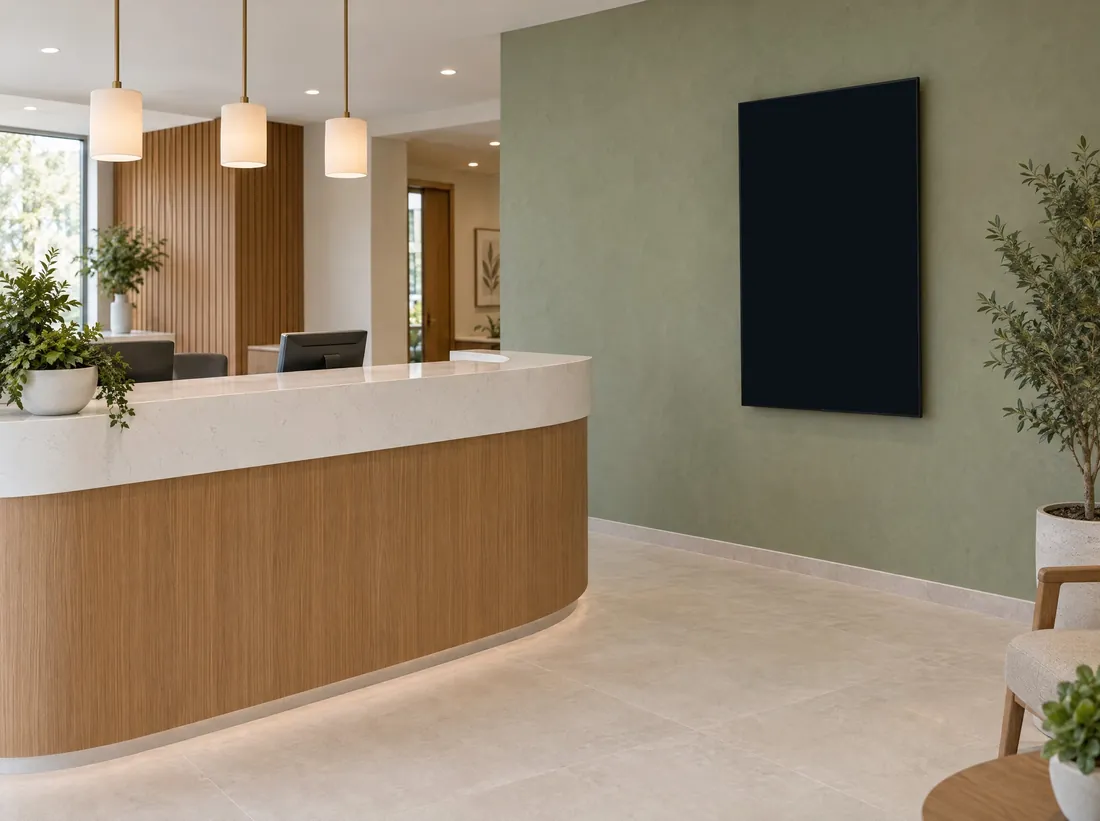
A portrait TV beside the desk: MPV shows only content made for its shape
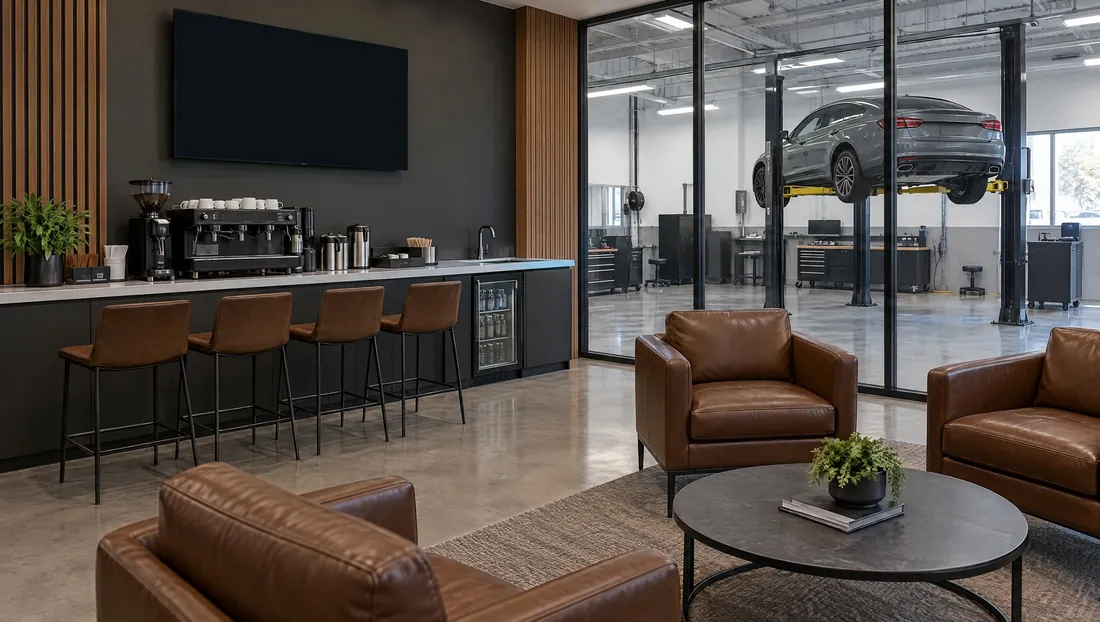
While customers wait: service offers, the weather and the news
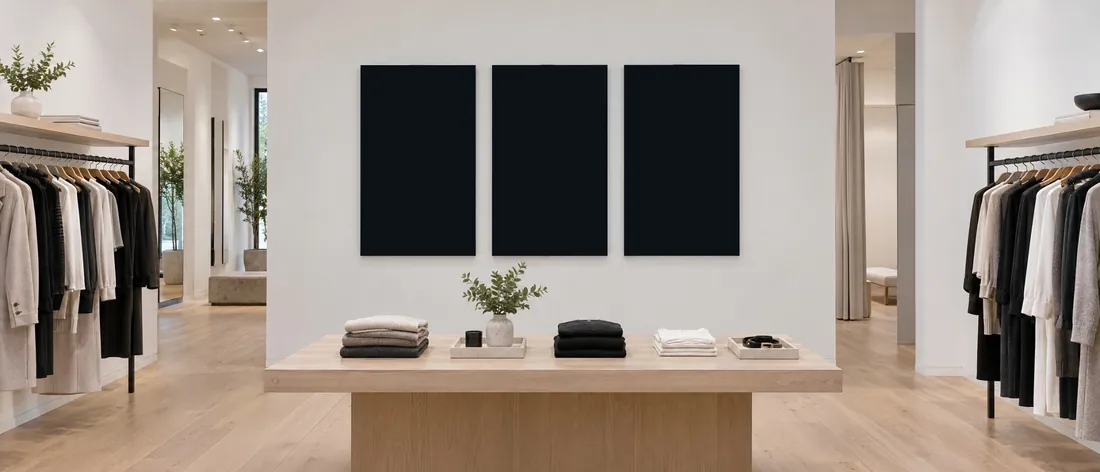
One campaign photo across three TVs: each look lands on its own screen
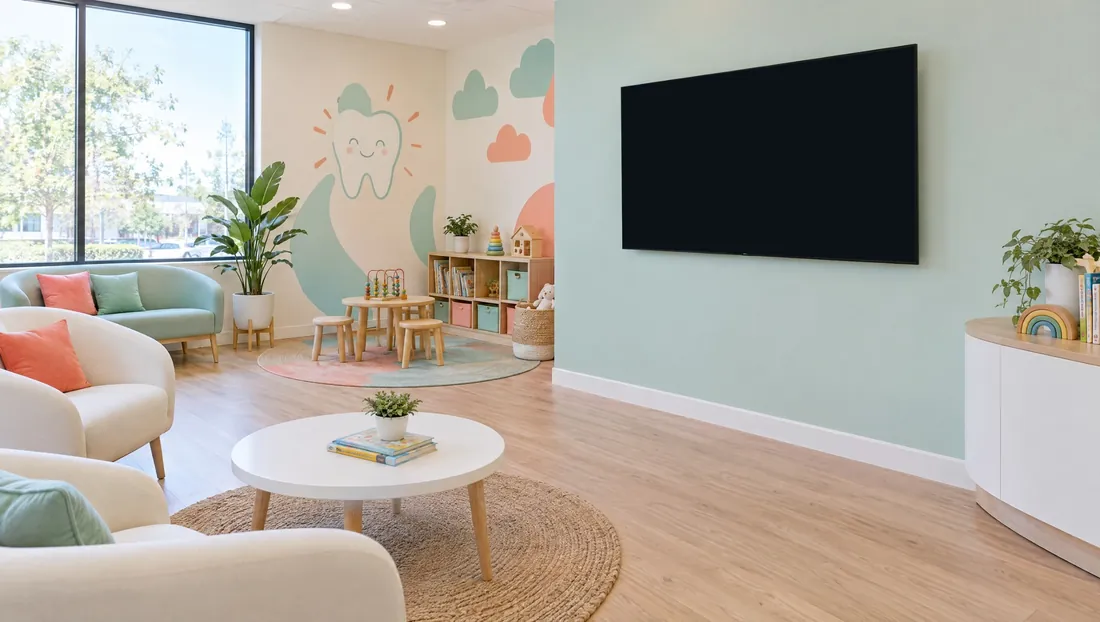
Full screens made by the MPV Assistant, in the office’s colours
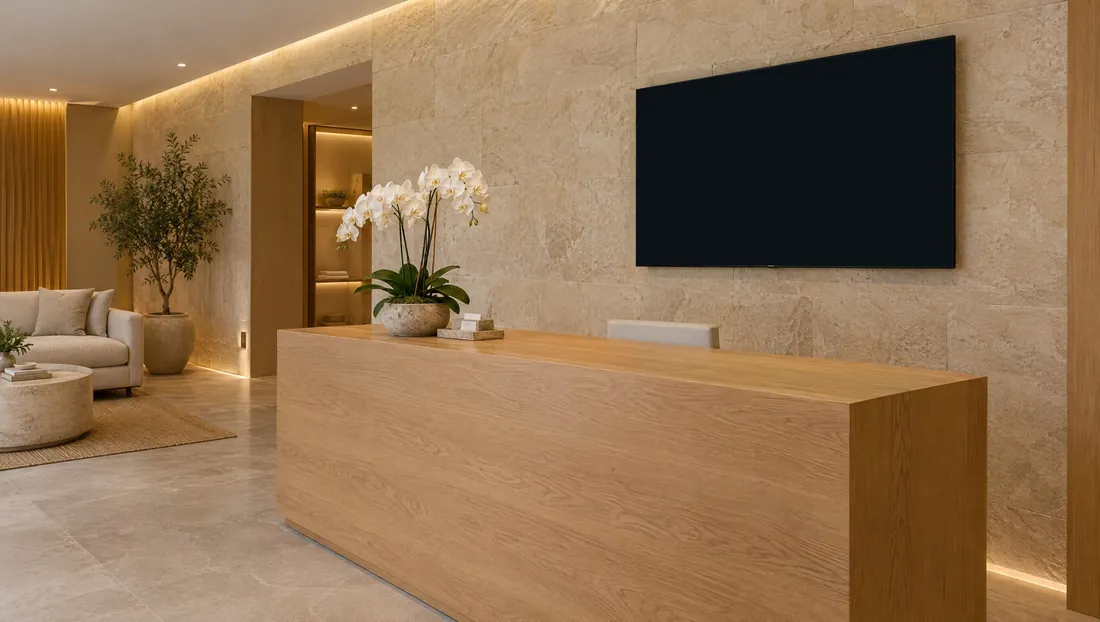
Calm full screens and gift card reminders behind the desk
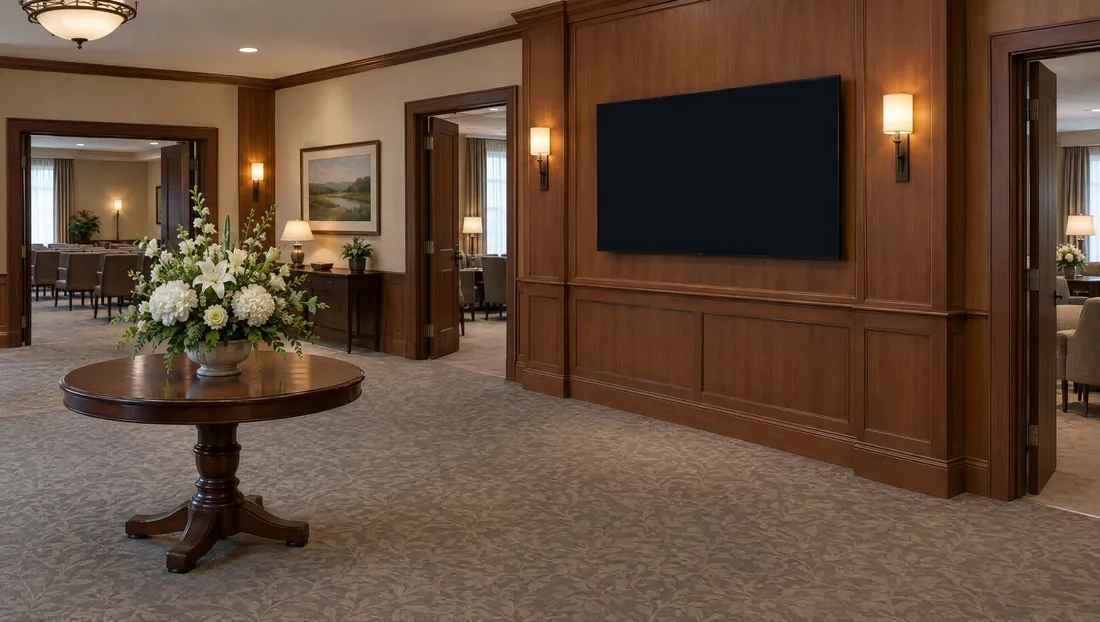
Today’s services, room by room, updated from MPV as plans change
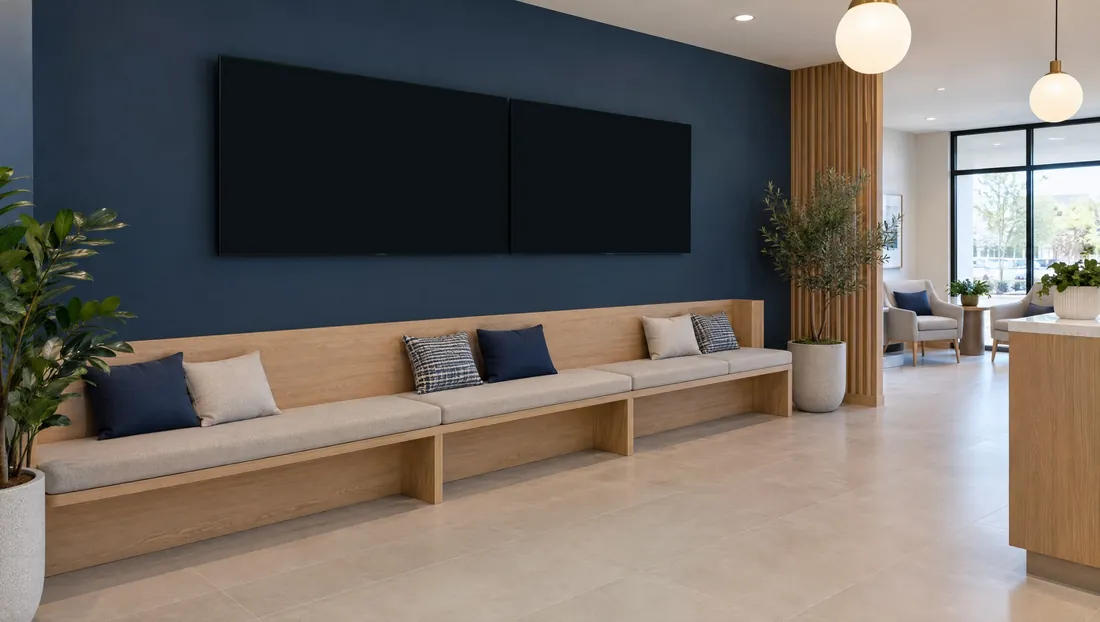
A wide photo across two TVs, then news that travels from one screen to the next
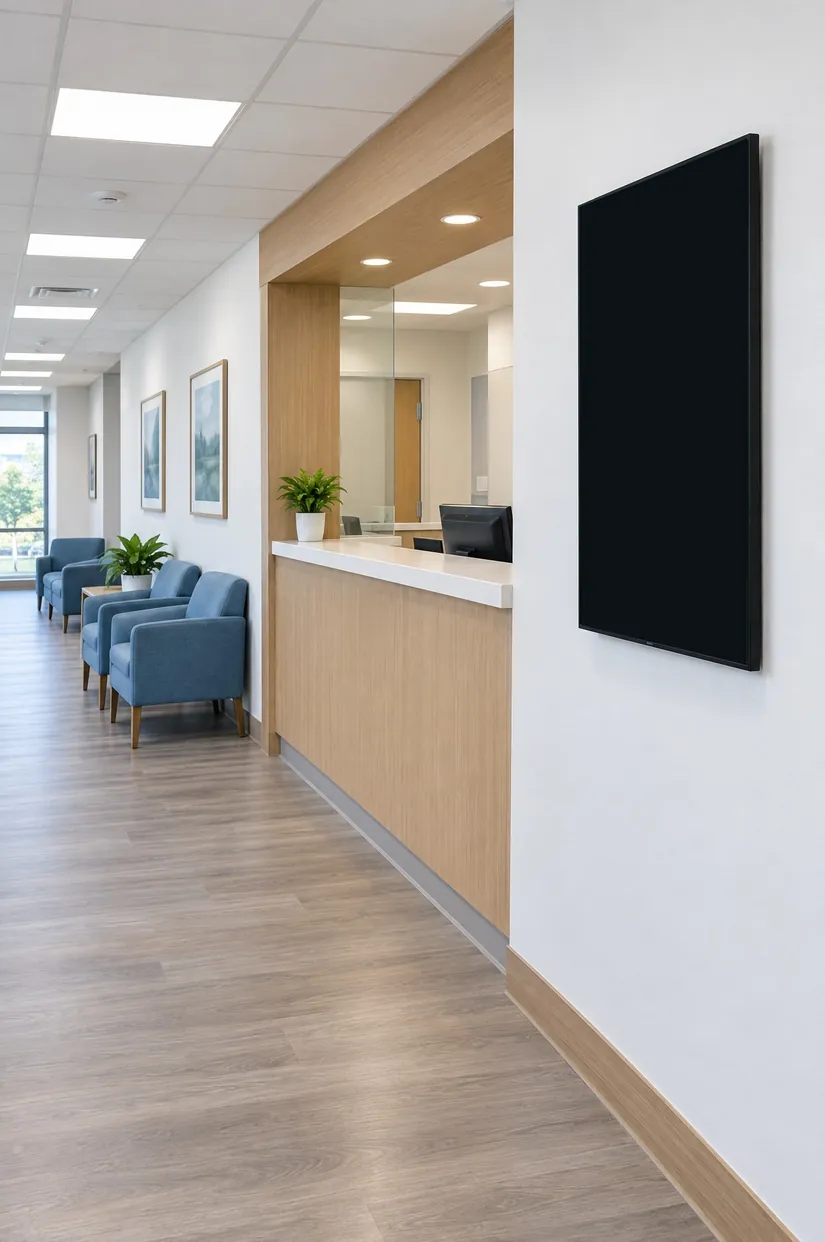
Health reminders and clinic news where people check in
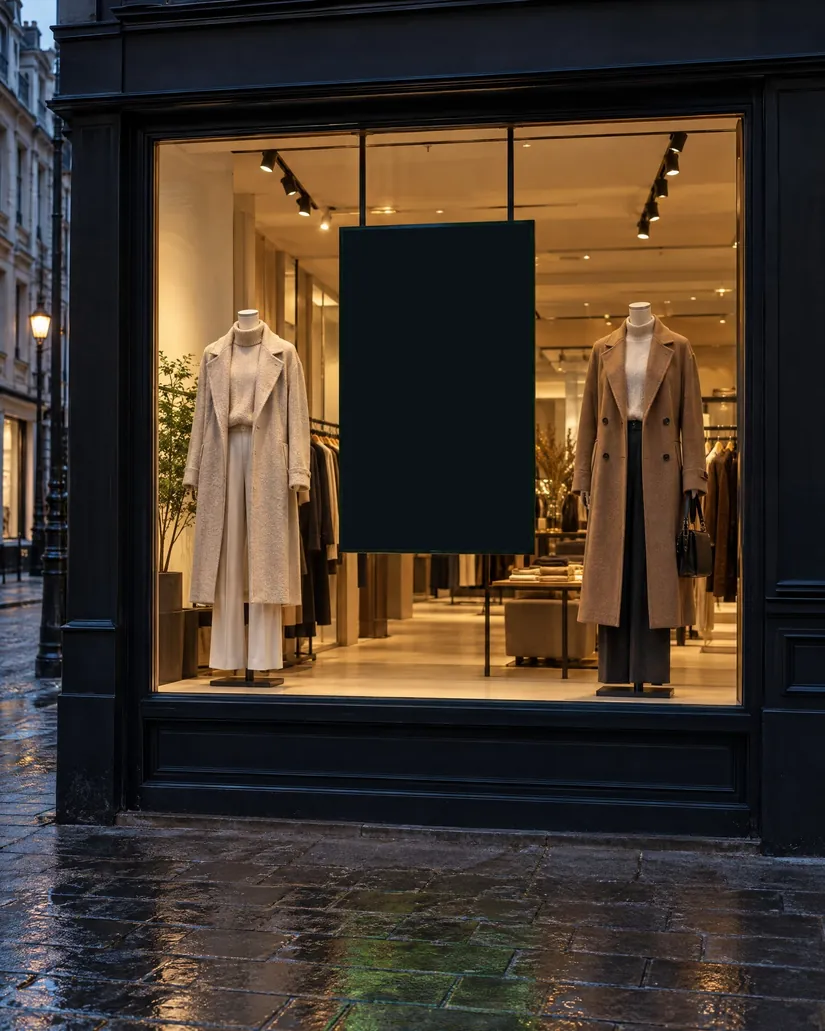
A portrait screen in the window keeps selling after closing
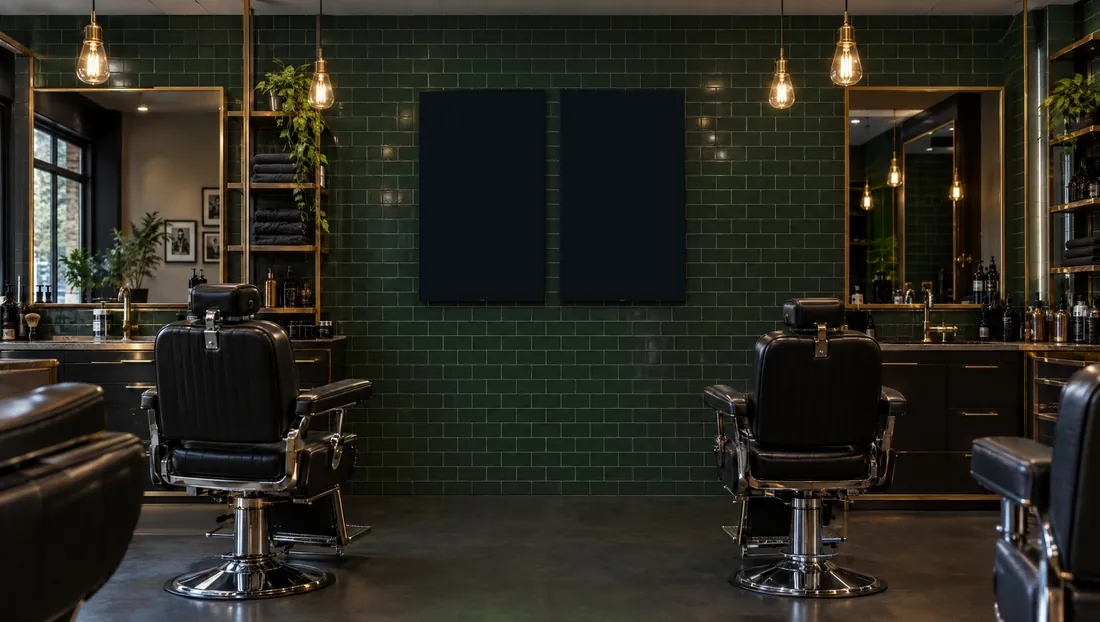
Two portrait TVs side by side make one square canvas
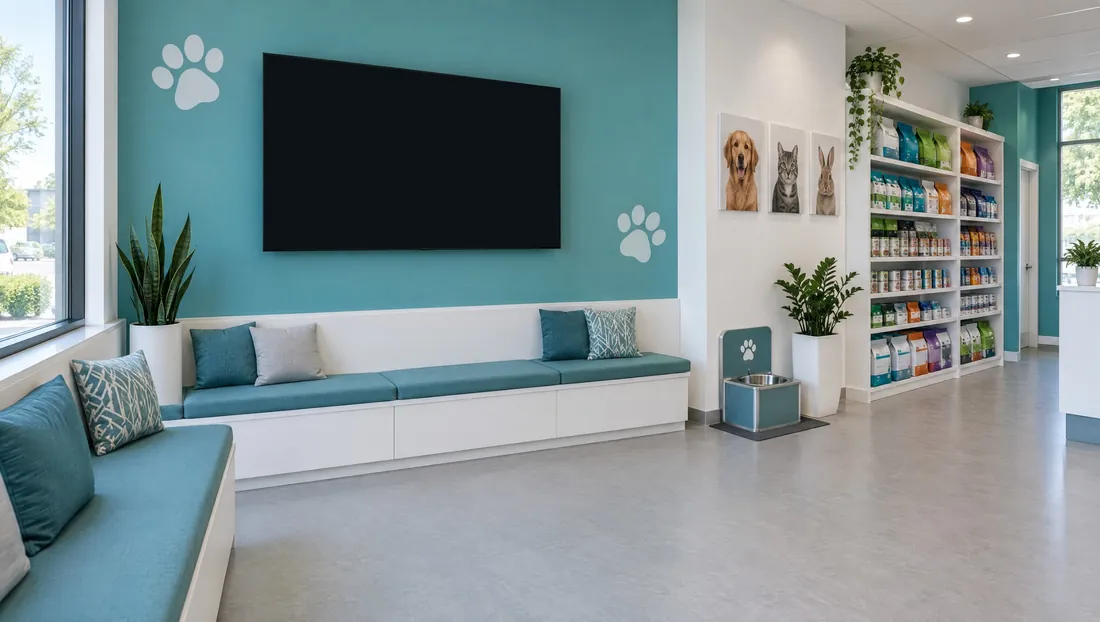
Team screens, made from the clinic’s website by MPV
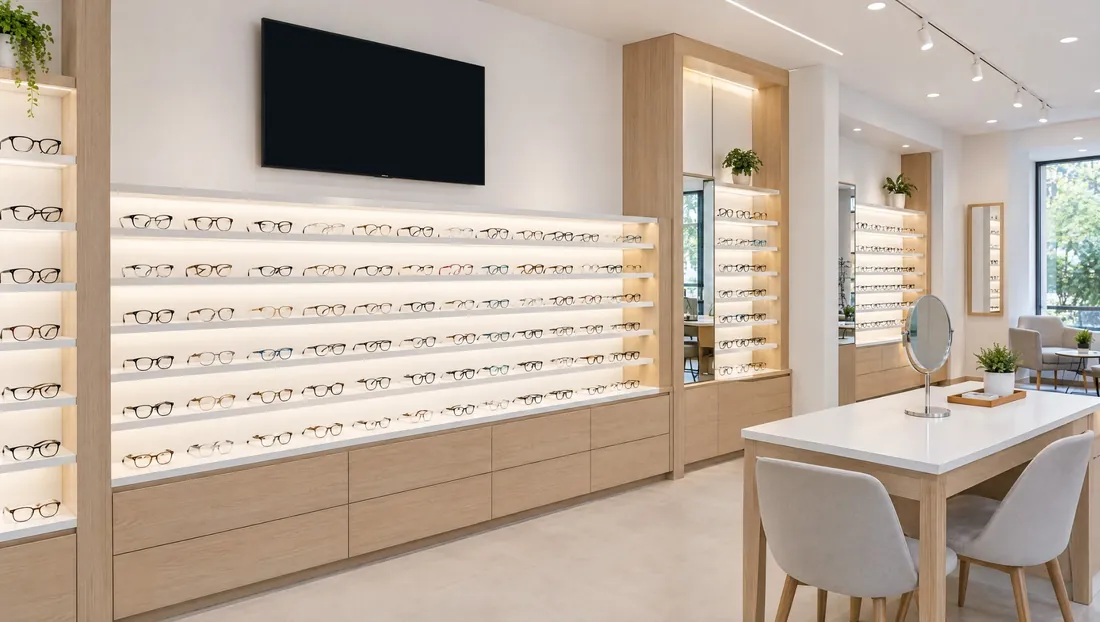
Frames, eye exams and the weather above the display wall
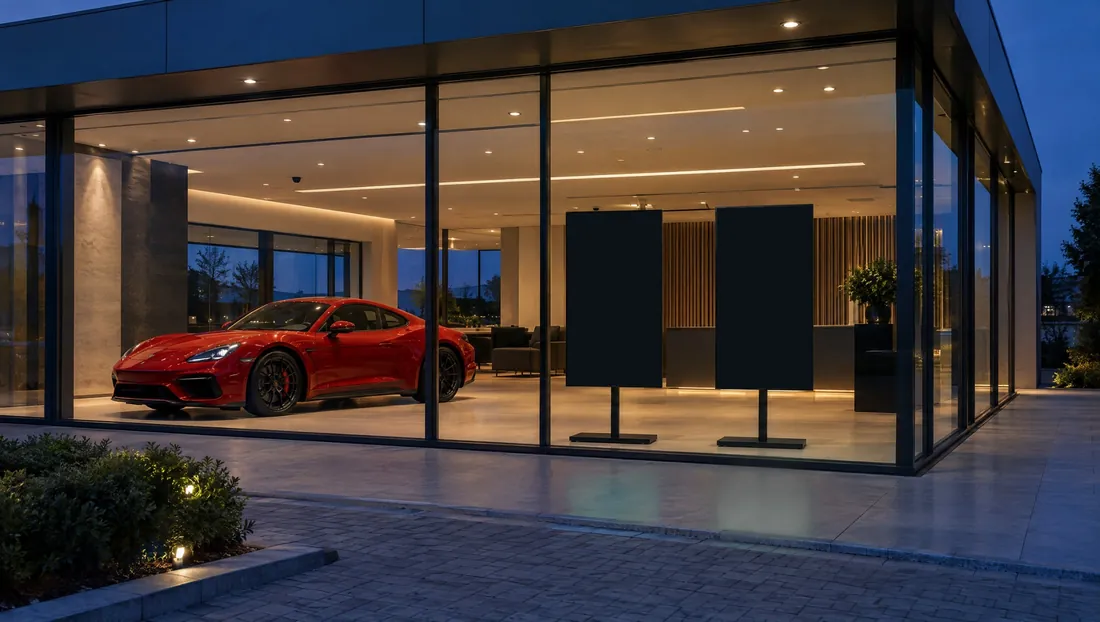
Two portrait screens facing the street, each with its own playlist
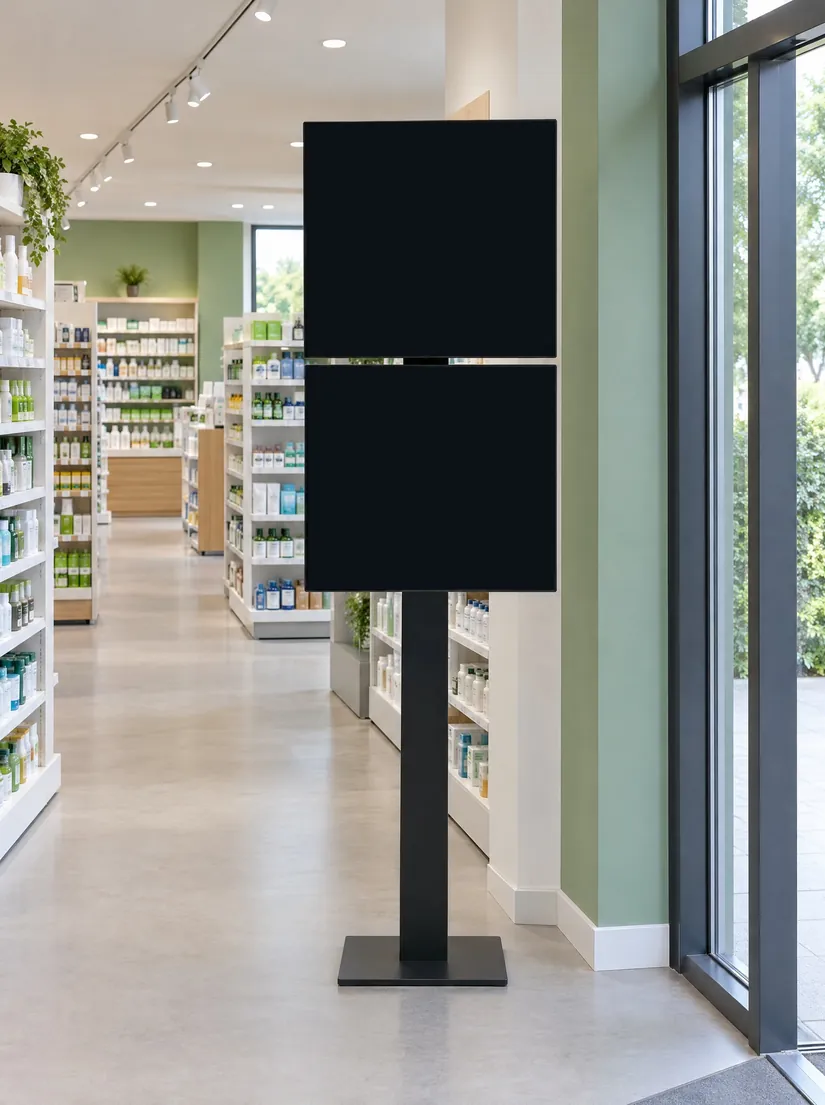
Two screens stacked into one tall totem: messages drop from the top screen to the bottom one
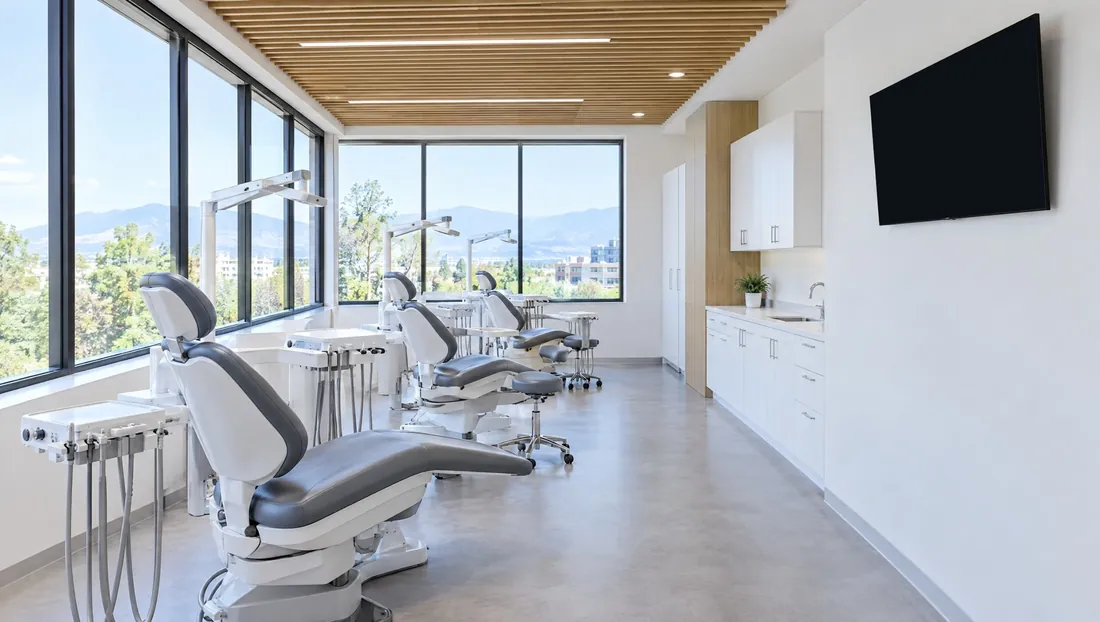
Something to watch from the chair: celebrations and referrals
Turn a screen group into a video wall and tell MPV where each screen hangs. Wide pictures and videos play across all of them, every screen changes at the same moment, and your messages can travel from one screen to the next.
Put two or three screens side by side, or stack two, and they play as one, in step: wide pictures and videos across all of them, and your messages travelling from screen to screen.
Tell the MPV Assistant what you need in plain words. It writes the message or designs the full screen, and asks before anything goes on screen.
Every Monday, up to three ideas made for your office: a theme to turn on, a message about something people are talking about, or full screens for your own events. Yes or No thanks, in one tap.
A professional photo library with no text on the pictures, and a new AI photo when you need one, laid out like a magazine page with your logo.
MPV reads your website and Google listing to fill in your logo, colours and details, and makes a “Meet our team” full screen for each person, ready for you to review.
The MPV player, a smart TV or any PC or Mac, hung in landscape or portrait, sharp up to 4K. Changes reach your screens in a second or two, and you can watch what each one is showing from anywhere.
Weather cards and full-page forecasts in many styles that change with the real conditions, from sunshine to snow.
Short lessons for everything in the Client App, with captions in English, French and Spanish, and a “Show me” button that walks you through it.
Send your link to another business. Their first month is free, and once they become a paying client, you get three free months.
Try MyProViewer free for 14 days. Setup takes about ten minutes.